
Paper Voice & Paper Nexus: listen, read, connect
Two free, open-source Zotero companions from Kang Lab: listen closely with Paper Voice, then follow citations and research connections with Paper Nexus.

A useful paper often leads to two kinds of work: understanding it carefully, and following the research it connects to. Paper Voice and Paper Nexus, developed by Jun-Yan Kang, bring these complementary tasks into Zotero. One helps you listen and stay with the text; the other helps you follow a citation, keep the next paper, and explore the people behind the work.
Paper Voice: make room to listen
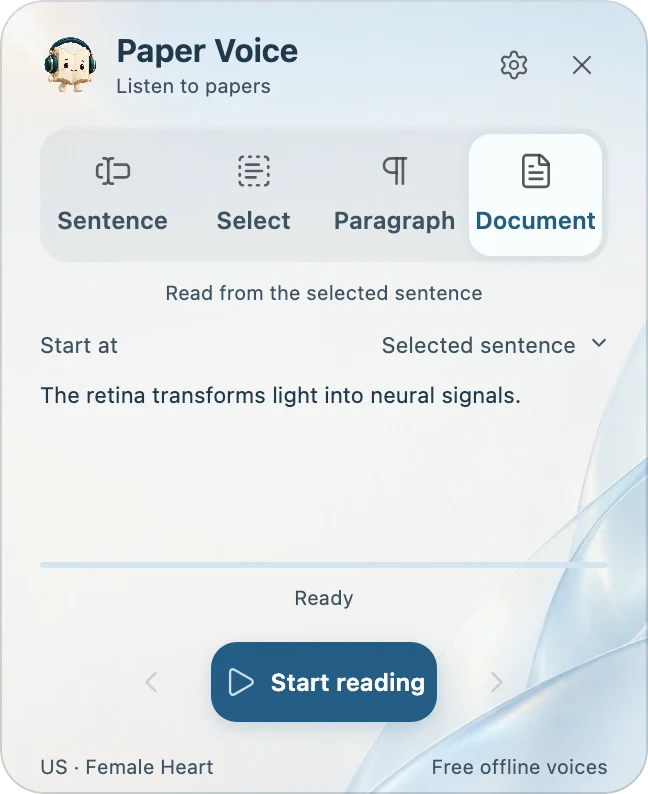
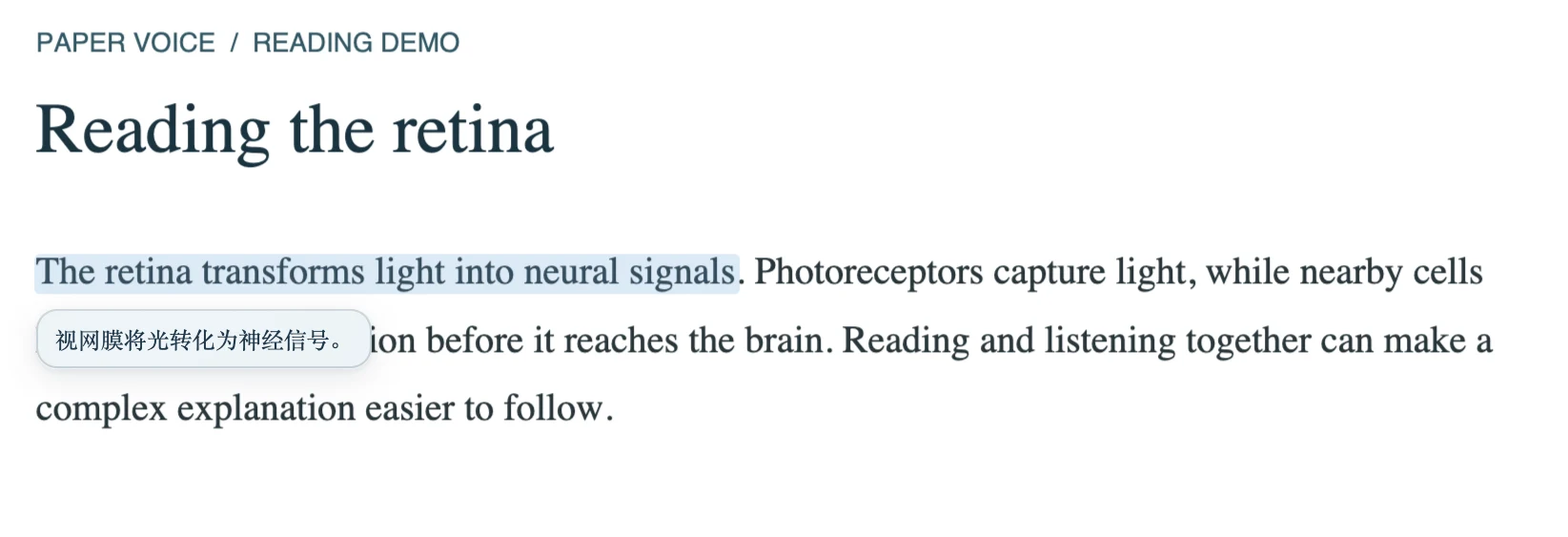
Paper Voice turns selectable PDF text into spoken audio while keeping the current sentence highlighted and the page in step with the narration.
- Your passage, your pace. Choose selection, sentence, paragraph or full-text listening. Replay a difficult passage or resume where you left off.
- Offline voices. After downloading the voice resources, listen locally in English, Chinese, Japanese or French, with voice and speed choices.
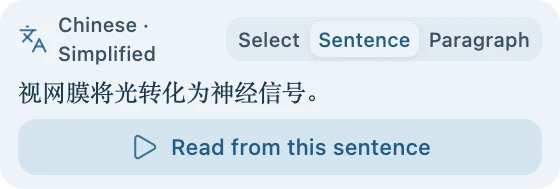
- Translation beside the original. Read translated text close to its source and listen to the translation when helpful.
- Controls that stay out of the way. The book mascot opens a compact toolbar on hover, keeping the PDF at the centre of the experience.
Download Paper Voice · Installation guide
Paper Nexus: follow the next research connection
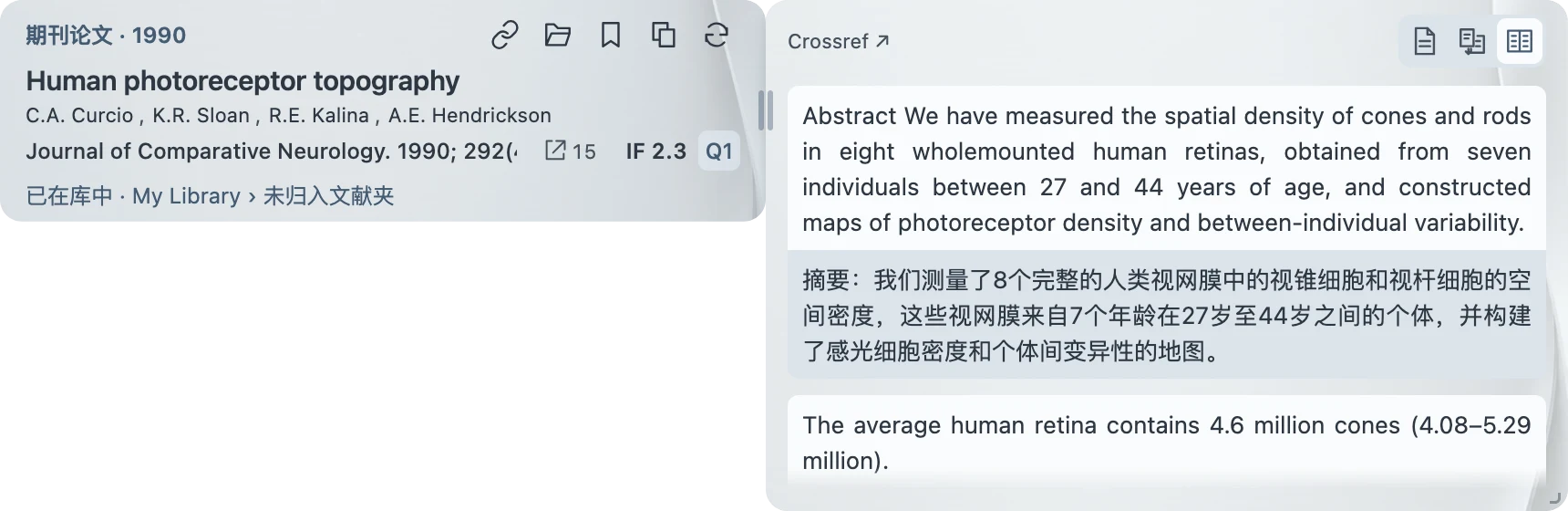
Paper Nexus keeps references, abstracts and research connections within reach while you read.
- See the paper behind a citation. Hover over an in-text reference to preview publication details, then read its abstract in original, translated or bilingual form.
- Keep promising leads. Save a paper for later, open an existing library item, copy a formatted citation, or return to the passage that cited it.
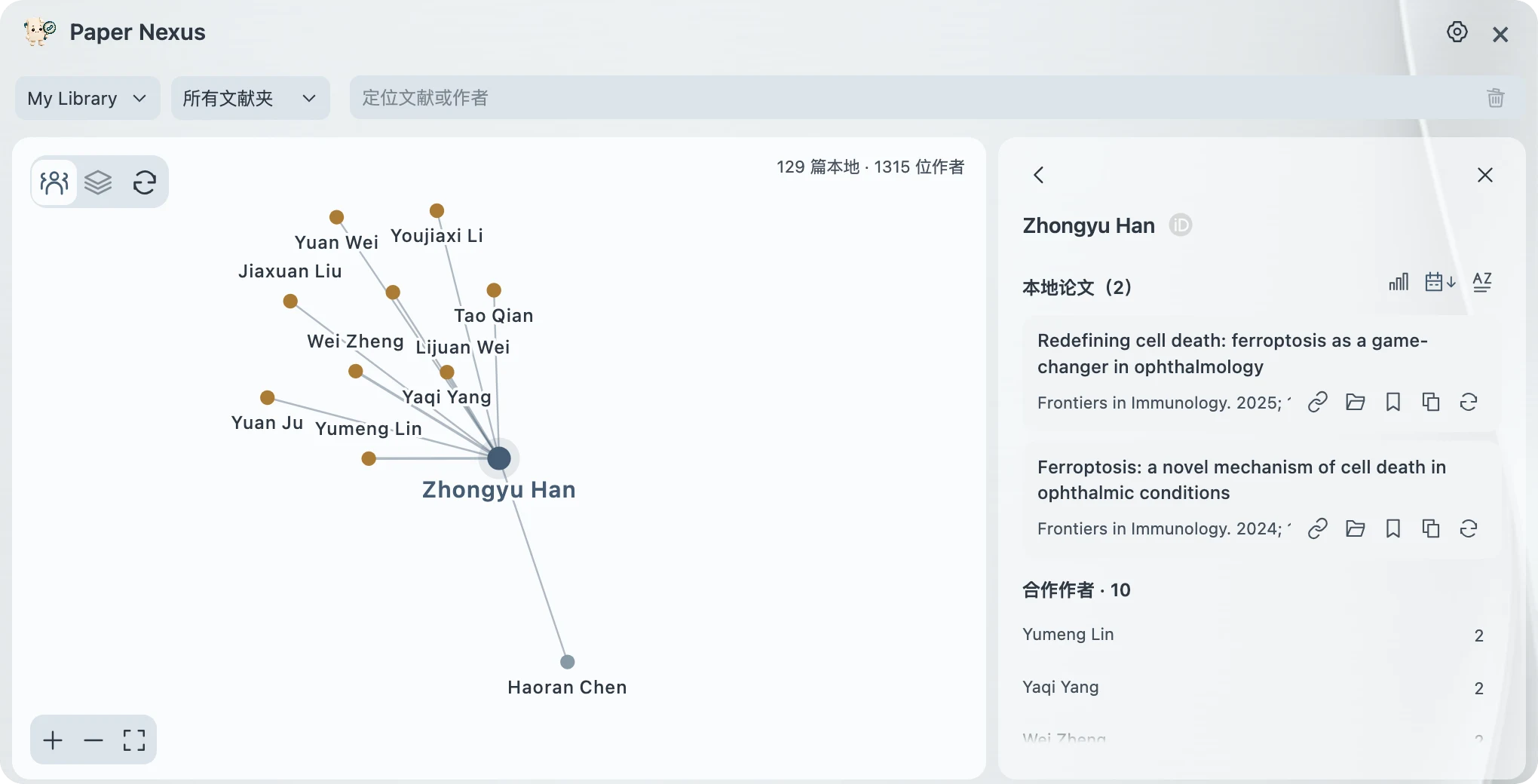
- Explore coauthors. Navigate connections built from papers in your Zotero library, focus on a collection, and search for authors and their shared publications.
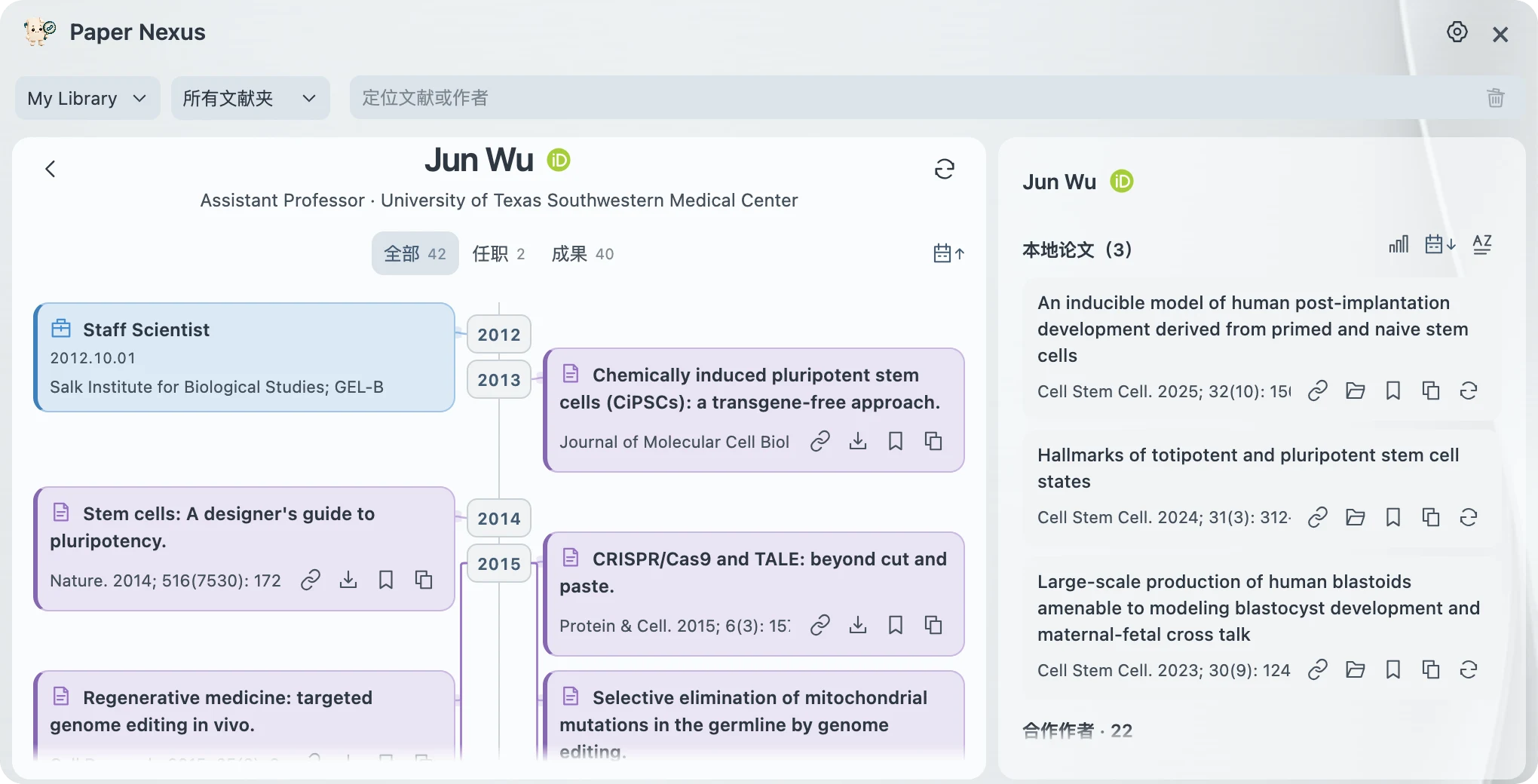
- Follow academic journeys. For authors with a linked ORCID, browse available public education, employment, funding and research outputs alongside papers in your library.
Download Paper Nexus · Getting started
Two companions, one reading workflow
Listen, follow a reference, keep the next paper. Use Paper Voice to work through a passage, then Paper Nexus to examine a cited study and add it to your reading list. Explore its authors’ connections when you want to broaden the search. The plugins can also be used independently; neither requires the other.
Both projects are free and open source under the MIT licence. Paper Voice supports Zotero 10; Paper Nexus currently supports Zotero 10.0.5 through 10.0.x. Follow each project’s download instructions: Paper Voice offers platform-specific installers, while Paper Nexus uses the same XPI plugin file on macOS and Windows.
Offline listening requires the initial voice download, and scanned PDFs need OCR before Paper Voice can read them. Translation and online metadata lookup require an internet connection; optional model services may require your own API key and carry provider charges. Nexus reference previews and its coauthor network do not require an account.
Explore the source code, report an issue or suggest an improvement on Paper Voice’s GitHub repository and Paper Nexus’s GitHub repository.